
What it is
Commitments is the third tab of My Work. It keeps every promise made to a customer in one place, so nobody forgets to get back to them. It has up to three parts:
- Stock watches (when any are active): "Aria will message when a matching car is in stock". Each shows the customer, Watching, what they asked for, the channel and the date it runs until.
- Aria check-ins (when any are waiting): "Aria checks in once if a customer stays quiet". Each shows the customer, Waiting, the topic and when Aria will check in.
- Future-contact commitments: what a customer asked for, in their own words, with the purpose and the agreed timing.
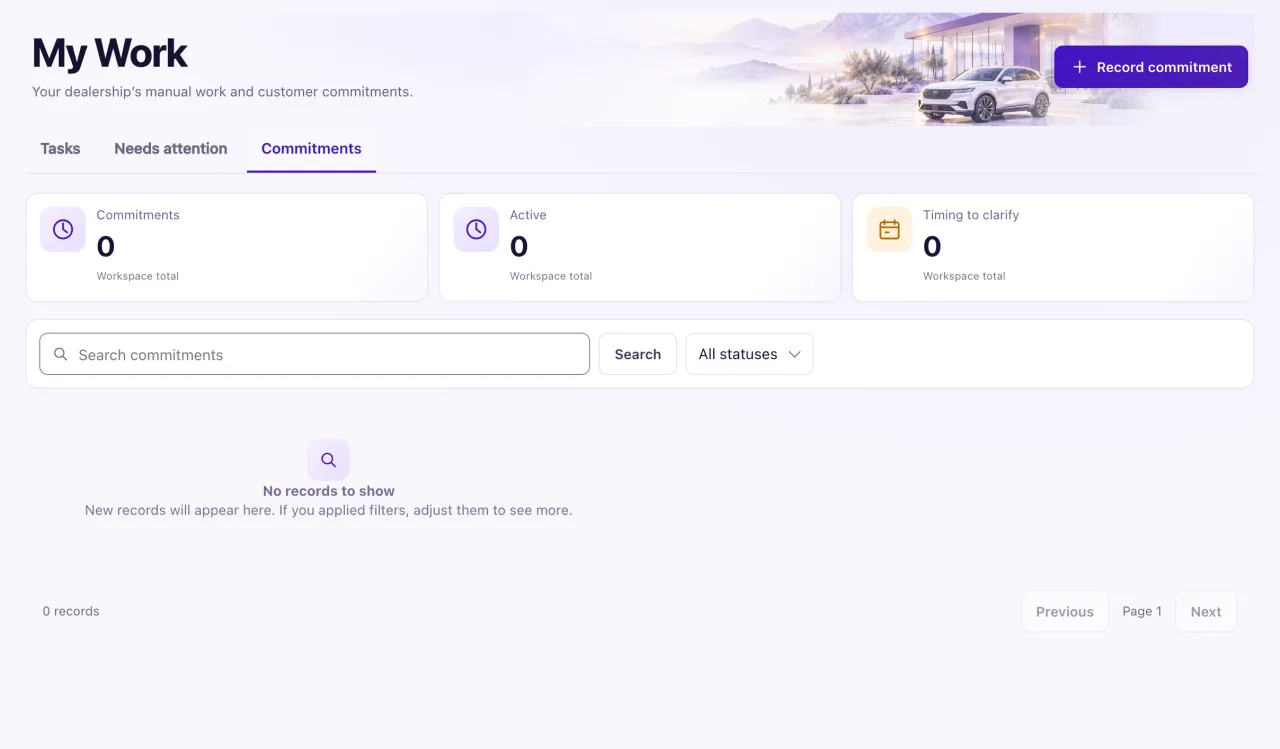
When a customer asks Aria to get back to them later ("call me tomorrow morning", "contact me in 3 months"), she records a commitment with the time they asked for and tells them honestly who will get back to them and when. The Requested follow-up and callback journey is on by default, so Aria's own follow-up goes out at that time, inside allowed hours.
Commitments is for Owners. Any Commitments link in a record, on the Overview or from Nora opens this tab.
How to use it
- Open My Work and select Commitments.
- Under Stock watches, select a customer's name to open their contact. To stop a watch, use the Stock watches card on the contact: Cancel this stock watch? → Cancel watch.
- Under Aria check-ins, select Cancel to stop a check-in. Nothing is sent: "Check-in cancelled. Aria won't message this customer about it."
- To add a promise by hand, select Record commitment. Fill in the Customer's original words, the Purpose, the Timing (unresolved, or an agreed window with a start and end) and the Timezone.
- Read each commitment's follow-up status to see who acts and where it stands.
- Use Search commitments or the status filter to find one.
What the data means
A commitment is Active or Cancelled. Recording a commitment creates manual work only: nothing is sent to the customer because you saved it.
Its follow-up status says who acts, Aria will send or Team to contact, and where it stands: Time not set (the customer gave no time), Scheduled for day, time, Sending, Sent, Delivered, Didn't go out (the team must contact the customer), Due now, Done or Cancelled.
Possible issues and fixes
A customer asked us to follow up, but no commitment shows
Symptom: You expected a commitment and the list doesn't have it.
Why: The list follows the location in the header and the status filter. A promise nobody recorded doesn't appear.
Fix: Check the location and set the status filter to All statuses. If it is missing, select Record commitment and add it.
How to check: The commitment shows as Active with its follow-up status.
A follow-up says "Didn't go out"
Symptom: The follow-up status reads Team to contact · Didn't go out.
Why: Aria's message could not be sent, for example because the customer can't be messaged on that channel.
Fix: Contact the customer yourself, then complete the linked task in My Work → Tasks with what happened.
How to check: The status changes to Done.
A Staff member can't see Commitments
Symptom: A teammate with My Work access has no Commitments tab.
Why: Commitments is Owner-only. Staff with My Work view see Needs attention only.
Fix: An Owner keeps the commitments for the team.
How to check: The Owner sees Commitments as the third tab of My Work.
